
Skydive landout safety: find every jumper, fast
A jumper lands out, the next load is boarding, and nobody at the desk knows where they are or whether they are hurt. Manifest turns that moment into a live map, a driver on the way and a clear answer to one question: who’s back after the load?
The problem every dropzone knows
Landouts happen. A long spot, a wind change, a canopy that did not make it back. Most of the time the jumper is fine and walks in. Sometimes they are hurt, or in a field two miles out with no idea how to describe where they are.
The usual tools are a phone call, a description shouted over wind noise, and someone driving around looking. Meanwhile manifest keeps calling loads and the safety officer is not sure who is still out there. Manifest gives the desk the facts it needs in seconds, and gives the jumper one button to press.
How landout alerts work
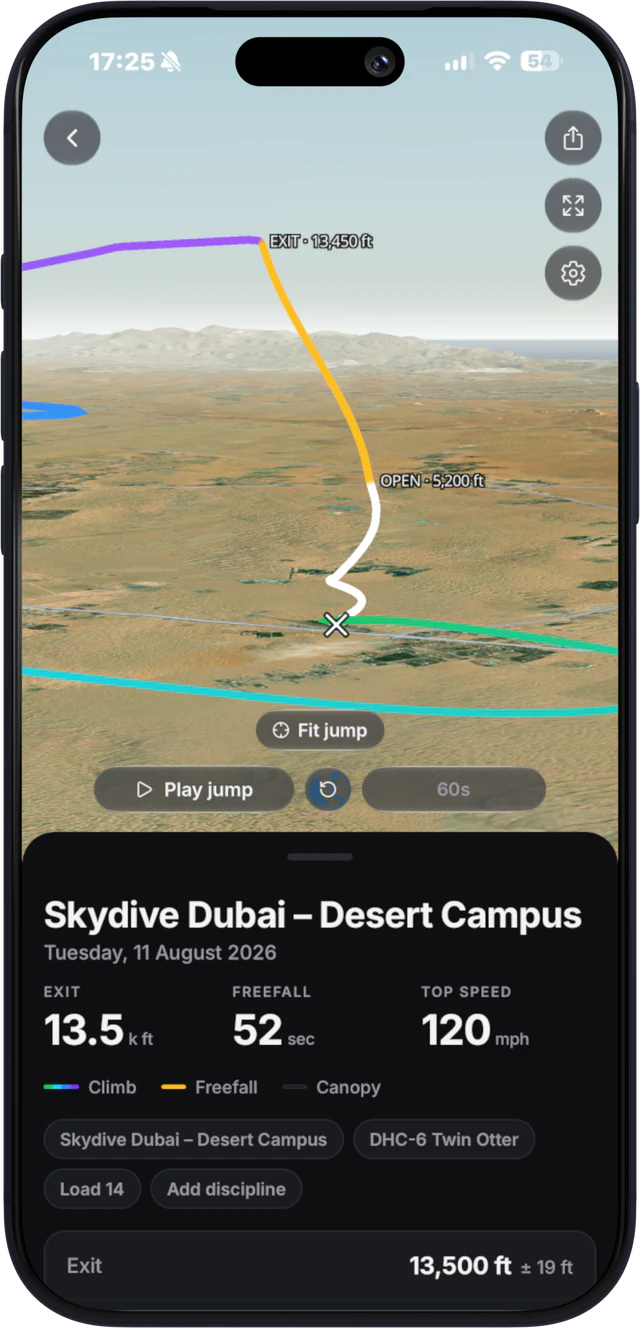
Nothing is tracked during the jump. Location is only shared after the jumper lands and asks for it to be shared.
- The jumper taps “Landed out?” in the Manifest app, or straight from the Lock Screen.
- They pick one of three: injured, need a ride, or walking back. The desk knows how urgent it is before anyone picks up a phone.
- The desk sees them on a live satellite map, with the distance from the dropzone. The position keeps updating until the landout is resolved.
- Staff send a driver a pickup pin as a QR code, a Google Maps link or a WhatsApp message, so whoever grabs the truck goes straight to the right field.
- The jumper sees who is driving and the ETA, so they stay put instead of walking away from the pickup point.
- The desk can call the jumper in one tap, and the landout stays on screen until someone marks it resolved.
What the desk can do from one screen
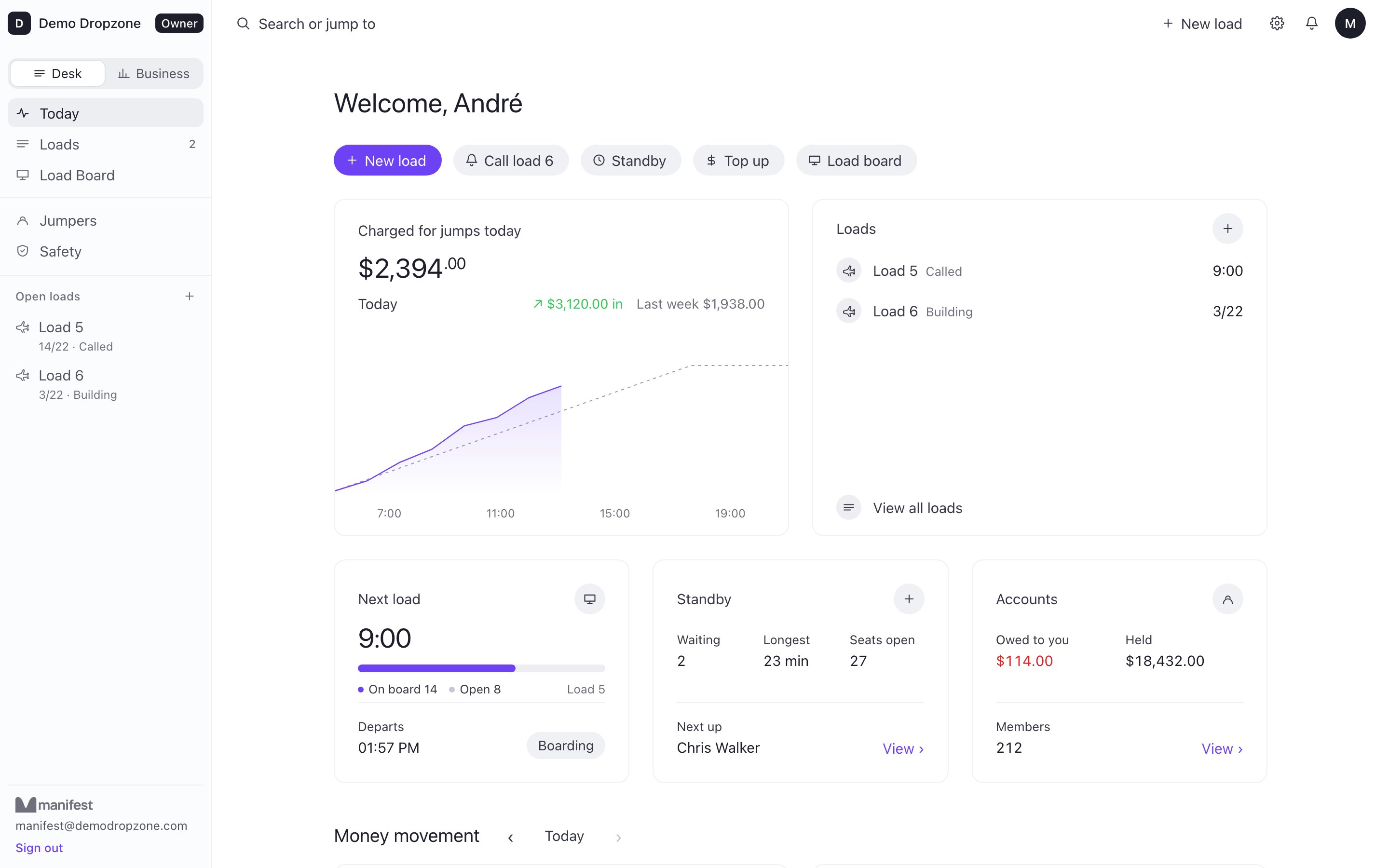
The landout view lives in Manifest Desk, the browser-based system manifest staff already have open all day.
- Notify chosen staff by push. You decide who gets the alert: the safety officer, the S&TA, the owner, the drivers on shift.
- Hold all loads with one tap. If a jumper is injured, every load can be put on hold at once, and that hold reaches every jumper on those loads on their phone. See how load calls and holds work.
- Emergency contact, only when injured. The jumper’s emergency contact is shown to staff only when they report an injury. A jumper walking back does not have their personal details pulled up.
- Distance from the dropzone. Good for deciding between a truck, a quad or a jumper who can walk it.
Who’s back after each load
The hardest landout to handle is the one nobody reported. That is why the desk shows a Who’s back list after each load: every name on it, like the paper check, on screen. Staff tick each jumper as they walk in, and jumpers who carry a phone can tick themselves with “I’m back” in the app. Anyone still not ticked 30 minutes after the load left turns red.
It is a simple habit for jumpers and a real answer for the safety officer at sunset, when the question is not “how many loads did we fly” but “is everyone accounted for”.
Safety check before they board
Landout handling is one half of safety on the desk. The other half happens before anyone gets on the plane. The Desk safety check shows, per jumper:
- Currency: when they last jumped.
- Reserve: whether the repack is in date.
- AAD: service status.
- Papers: whether their licence, membership and insurance are in date. The cards themselves open only after the jumper shares them from the app.
Alongside it sit a season check and a daily check-in, so problems show up at the desk instead of at the door of the aircraft.
The honest limits
Manifest supports your dropzone’s own emergency procedures. It is not a guaranteed rescue tracker. It needs the jumper to have their phone with them, with battery, GPS and some signal, and to tap the button. A dead phone, a smashed phone or a dead zone means no position. Keep your radios, your landout plan and your drivers. Manifest gets them to the right place faster.
For jumpers
If you jump at a dropzone running Manifest Desk, the landout button is in the Manifest app on your iPhone, free to download. Nothing is shared while you are in the air. After you land out, one tap tells the desk where you are and whether you need help, and you see who is coming for you. When you are back in the landing area, tap “I’m back” so manifest can tick you off.
Questions dropzones ask
Does Manifest track jumpers during the skydive?
No. Nothing is tracked during the jump. Location is only shared after landing, when the jumper taps Landed out and picks injured, need a ride or walking back.
How do we find a skydiver who landed out?
Their position appears on a live satellite map at the desk with the distance from the dropzone, and keeps updating until the landout is resolved. Staff can send a driver a pickup pin by QR code, Google Maps or WhatsApp, and call the jumper in one tap.
Who gets notified when a jumper lands out?
The staff you choose get a push notification. The desk can also put every load on hold with one tap, and the jumper sees who is driving to them and the ETA.
Can staff see a jumper’s emergency contact?
Only when the jumper reports an injury. For need a ride or walking back, the emergency contact is not shown.
How do we know who is back after a load?
After each load the desk shows a Who’s back list. Staff tick each name as the jumper walks in, and jumpers with a phone can tick themselves in the app. Anyone not ticked 30 minutes after the load left turns red.
Is it a replacement for our emergency plan?
No. It supports your dropzone’s own emergency procedures. It is not a guaranteed rescue tracker: it depends on the jumper’s phone having battery, GPS and signal.
See it on your desk
Landout alerts with a live map are included on every Manifest Desk plan. In a 20-minute call we walk through a sample day, including a landout, on the real desk. Read how Manifest works, see Manifest Desk as manifest software, or check pricing.