
Book your load from your phone
Self-manifest skydiving means fun jumpers put themselves on a load from the Manifest app, at dropzones that run Manifest Desk. Book yourself and your group, or join standby, and walk to the hangar instead of the counter. The dropzone sets the rules and the desk always has the final say.

What self-manifest means
Self-manifesting is booking your own slot on a load without queuing at the manifest window. On a busy Saturday the line at the counter is where half the morning goes: people waiting to add a jump, change a load, top up or ask when they are going. Most of that is information the manifest board already has.
With Manifest, the board and the app are the same system. When you book a slot in the app, it lands on the desk’s loads board straight away, under your name, against your balance. Staff see it the same second you do.
How it works for jumpers
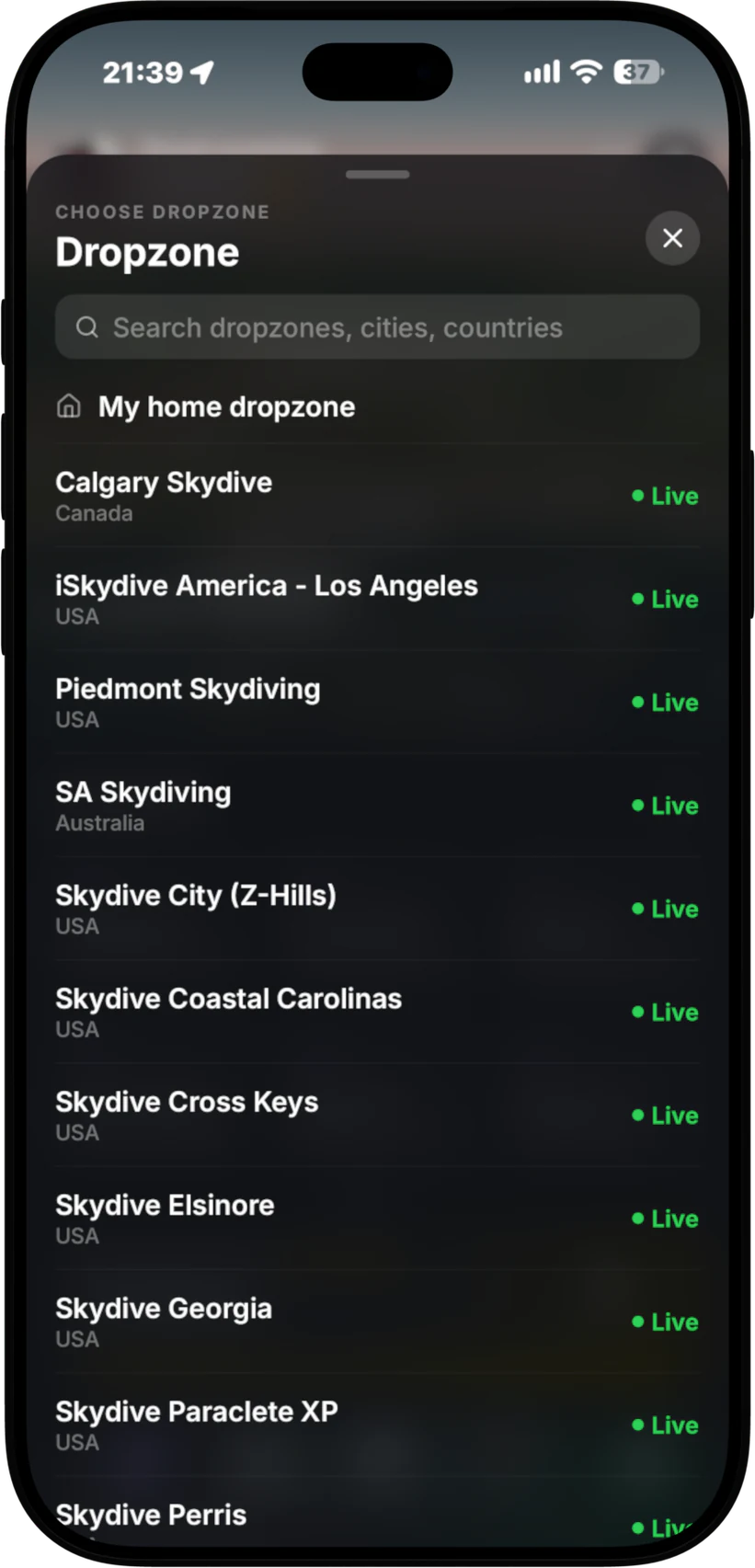
- Open your dropzone in the app. At a Manifest Desk dropzone you see the loads that are open for booking, how many seats are left and who is already on.
- Book a load, or join standby. Pick a slot for yourself. Jumping with friends? Book your group onto the same load in one go.
- Top up if you need to. Add money with Apple Pay or card in the app (Cash App Pay in the US). It goes onto your account at that dropzone and the desk sees the new balance immediately.
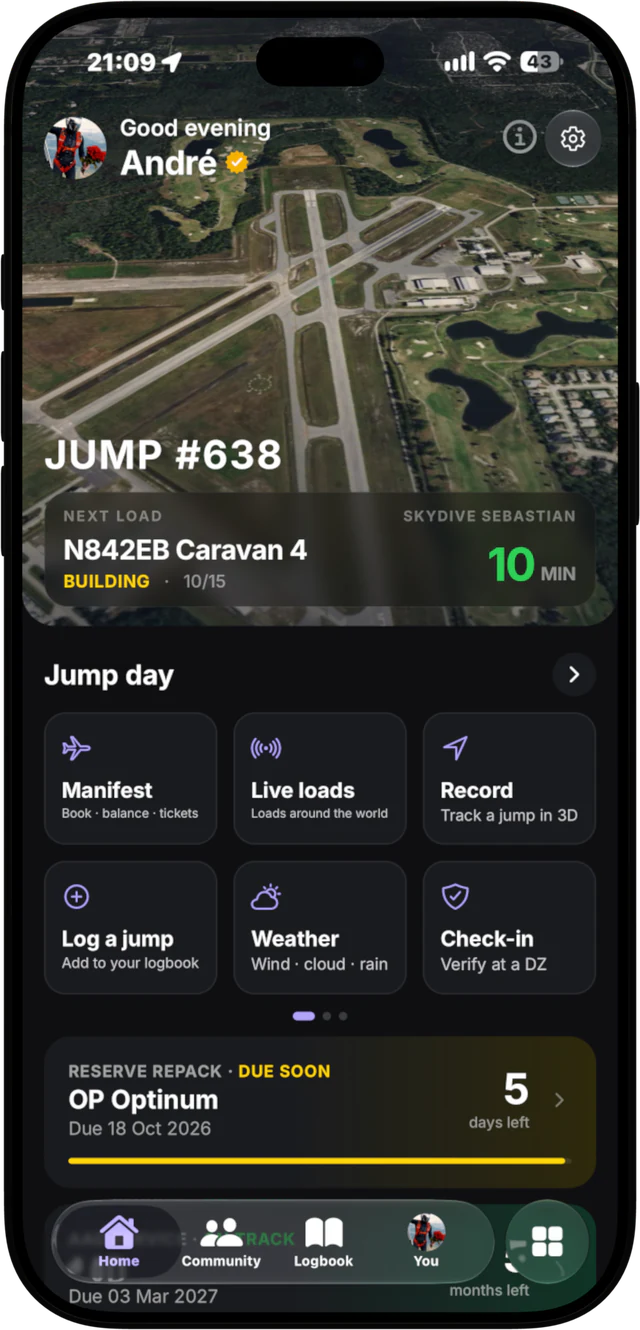
- Get your calls on the Lock Screen. Called, 10 minutes, 5 minutes, boarding and holds arrive on your phone and Lock Screen. At Manifest Desk dropzones, Lock Screen loads are free.
- Gear up and go. No trip to the counter to check whether you are still on. If the desk moves you, you see it in the app.
Standby that moves you up
When the load you want is full, join standby instead of hovering by the window. As seats open, standby moves people up, and you see it in the app. The desk can see who has waited longest, so the order stays fair.
How it works for dropzone owners
Self-manifest only works if the dropzone stays in charge. In Manifest Desk you decide how much of the load building happens on phones.
- Who can self-manifest. Turn it on for the jumpers you choose, not for everyone who downloads an app.
- Which loads. Open some loads to booking and keep others for the desk to build by hand.
- The desk has the final say. Staff can move anyone to another load, take them off, or reorder standby. A booking from a phone is a request on your board, not a lock on a seat.
- Money first. Jumpers top up in the app before they jump. Payments go straight to your own Stripe account (Stripe Connect, you are the merchant) and balances show on the desk immediately.
- No fee per booking. Bookings are part of the plan. The only fee is a small one on in-app top-ups.
The result is a shorter line at manifest. The questions that used to come to the window (am I on, how long, did my money go in) are answered on the jumper’s phone, so staff spend their time on the loads, the aircraft and the people who actually need them.
Load calls that reach everyone on the load
Booking is half of it. The other half is making sure people turn up. When staff press one button on the desk, the call goes to every jumper on that load: called, 10 minutes, 5 minutes, boarding and holds. It shows on their phone and on their Lock Screen, so nobody misses the call because they were packing on the far side of the hangar. More on this in skydiving load calls.
Fun jumpers only
Manifest is built for licensed fun jumpers and the dropzones that fly them. Self-manifest is for booking slots on fun-jumper loads. It is not a tandem booking system and there is no tandem booking in the app.
Where it works
Self-manifest, top-ups and free Lock Screen loads work at dropzones that run Manifest Desk. Everywhere else, the app still shows live skydiving loads at 150+ dropzones: what is on call, who is on it and the minutes to call, pulled from the dropzone’s own manifest board. Booking needs your dropzone to run the Desk.
Want to see the whole flow from the desk side? Read how Manifest works or the overview of skydiving manifest software.
Run a dropzone?
See self-manifest, standby and load calls on a sample day in Manifest Desk. Founding prices set with you, no lock-in.
Jump at a Manifest Desk dropzone?
Get the app, free on iPhone. Android is in the making.
Self-manifest FAQ
Can I manifest myself on a skydiving load from my phone?
Yes, at dropzones that run Manifest Desk. Open the dropzone in the Manifest app, pick a load that is open for booking and book your slot, or join standby. It lands on the desk’s loads board straight away.
Can I book my friends onto the same load?
Yes. You can book yourself and your friends onto a load together, so the group goes up on the same aircraft without each person queuing at manifest.
How does standby work in the app?
If the load you want is full, join standby from the app. As seats open, standby moves people up and you see it in the app. The desk can always reorder standby.
Who decides who can self-manifest?
The dropzone. In Manifest Desk the dropzone chooses who can self-manifest and which loads are open for booking. The desk always has the final say and can move anyone to another load.
How do I pay for my jumps?
Top up your account at the dropzone in the app with Apple Pay or card, or Cash App Pay in the US. The money goes straight to the dropzone’s own Stripe account and the balance shows on the desk immediately. There is no fee per booking.
Can I book a tandem with Manifest?
No. Manifest is for licensed fun jumpers and the dropzones that fly them. Self-manifest books slots on fun-jumper loads only.