
Help / Crew
Crew guide
For instructors, packers and pilots at a dropzone that runs Manifest Desk. You see your own loads and pay, and the pilot view. Never anyone's money.
1. Your first sign-in
Your owner invites you by email. Open the link, set a password and sign in at desk.jumpmanifest.com. If you use the Manifest app, the invite can come as a notification instead, and you accept it on the Desk.
2. My day
My day is your first screen. It lists the loads you are on today, with call, takeoff and landing times, and what you earned. Until the desk puts you on a load it says Not on a load yet today.
3. How you get on a load
Manifest puts you on. When they add a jumper whose jump needs you (a tandem, AFF, coach or camera jump), they pick you in that jump's crew box. Pilots, loadmasters and safety officers are picked on the load itself. The jobs you can be picked for are the ones your owner ticked for you.
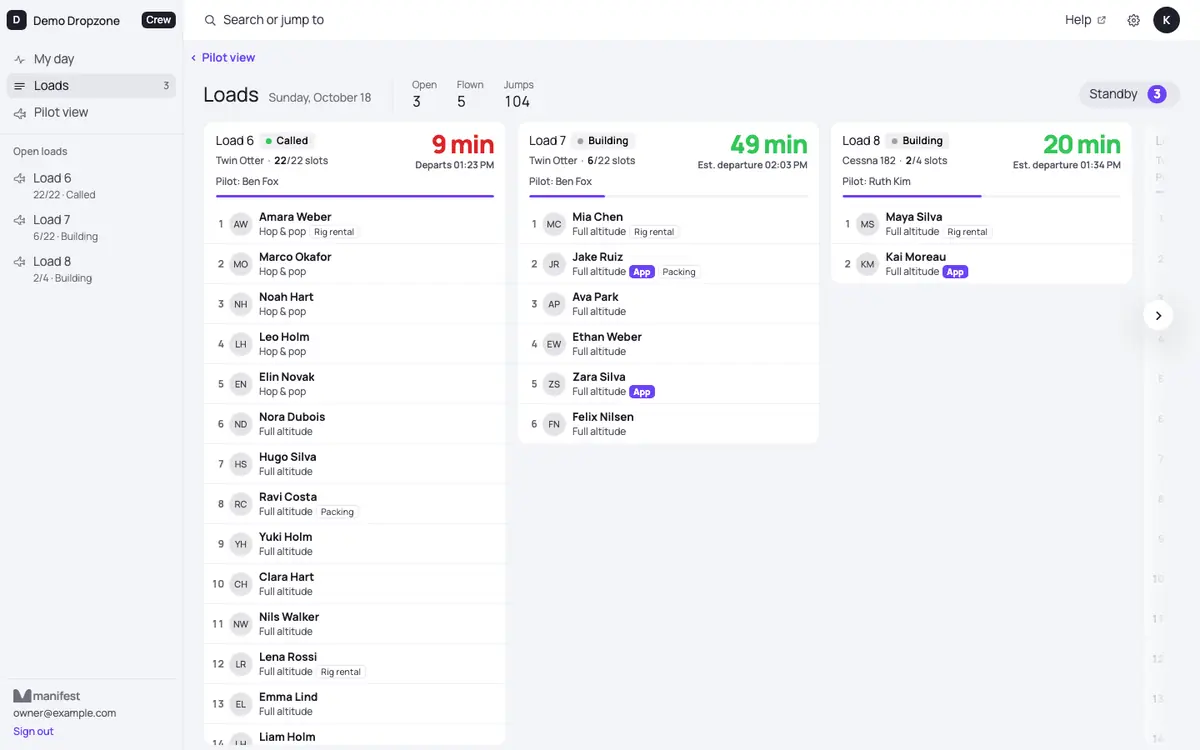
You can see every load on Loads, but you cannot change them.
4. Pilot view
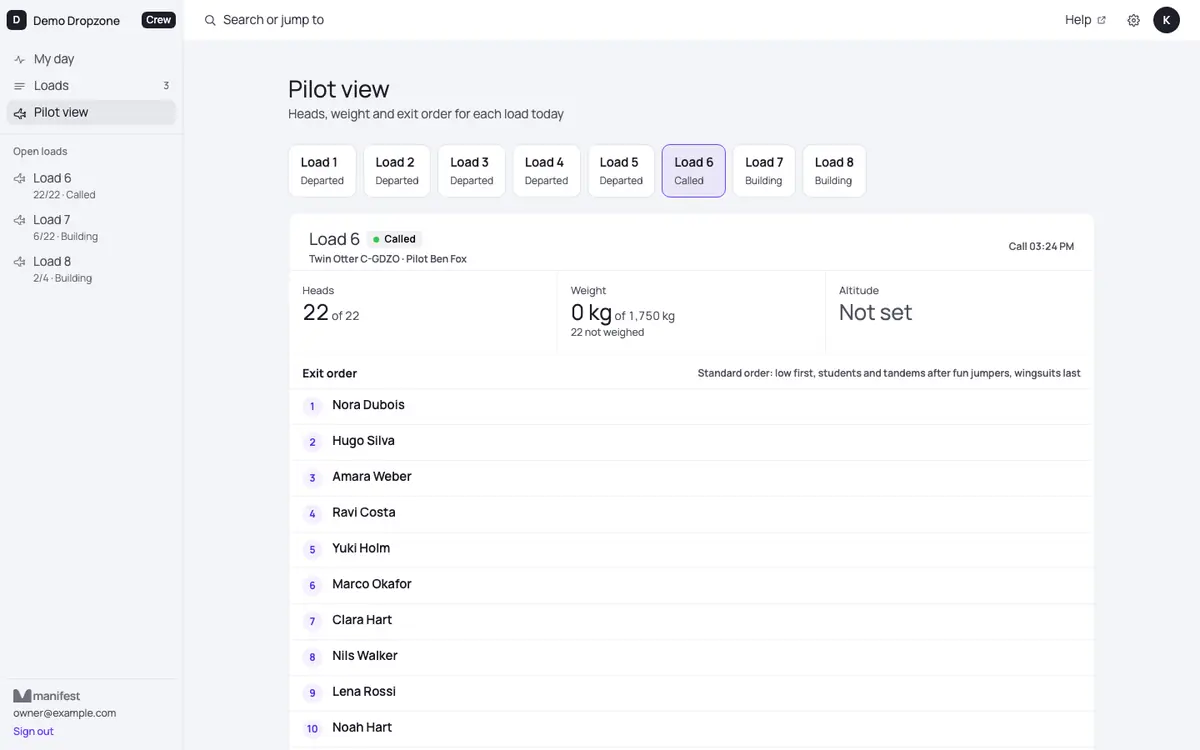
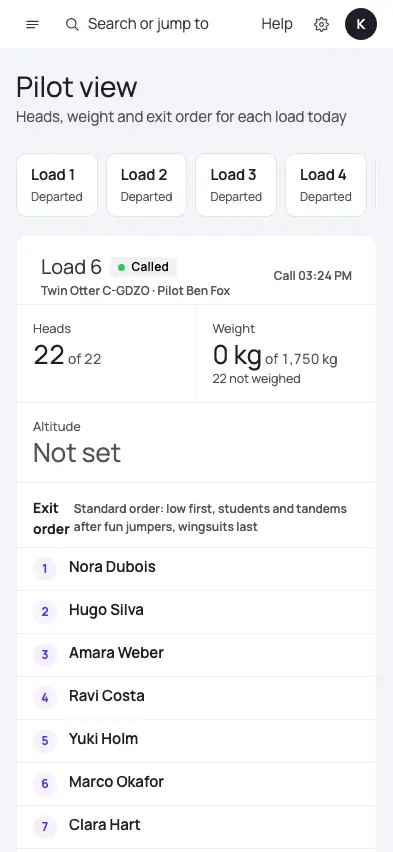
Pilot view shows heads, weight and exit order for each load today, and no prices. Pick the load at the top.
- Took off and Landed keep the times right (with Undo).
- Log fuel or meter for the aircraft records.
- Report a problem tells the desk.
5. Log a pack
Packers: My day, then Packing, then + Log a pack for each one. A wrong tap? Undo last pack. This shows when your owner tagged you as a packer.
6. Your pay
Your pay is worked out from the loads that flew and the packs you logged, at the rates your dropzone set. See it on My day under Your pay: this week, last week or this month. Your owner pays you, or credits it to your jump account.
7. The Desk on your phone
On an iPhone, open desk.jumpmanifest.com in Safari, tap Share, then Add to Home Screen. On a computer, the sidebar has Install on this computer (Chrome and Edge); in Safari on a Mac use File, then Add to Dock.
Still stuck?
Ask your owner, or email andre@manifestjump.com with your dropzone's name in the subject.